Bonus 1Worth ₹499
AI photo feedback Upload your practice shots and get a score, what works and up to 3 exact fixes. 5 reviews every day.
A step-by-step course for normal people, not photographers. Learn camera settings, light, angles, posing and editing in 5-minute lessons — and see the difference from your very first one.
One-time payment · Lifetime access · 7-day refund policy


Every shot looks a little off — and you can't tell why.
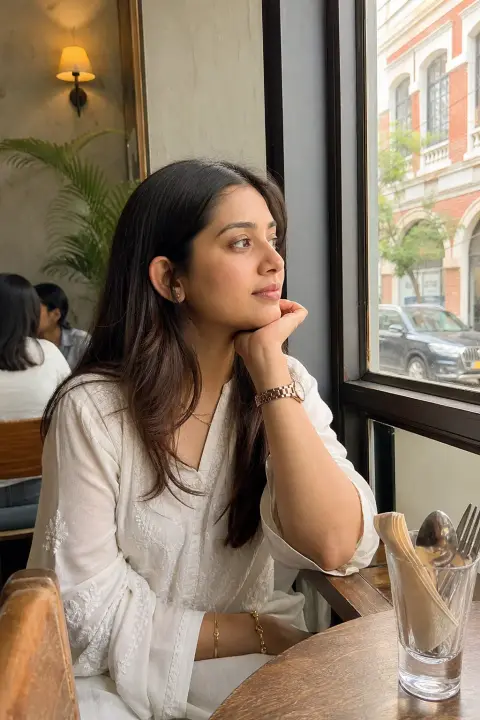
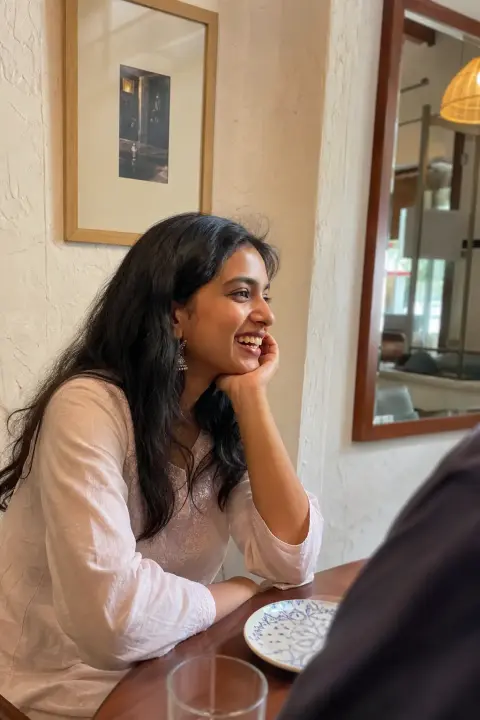
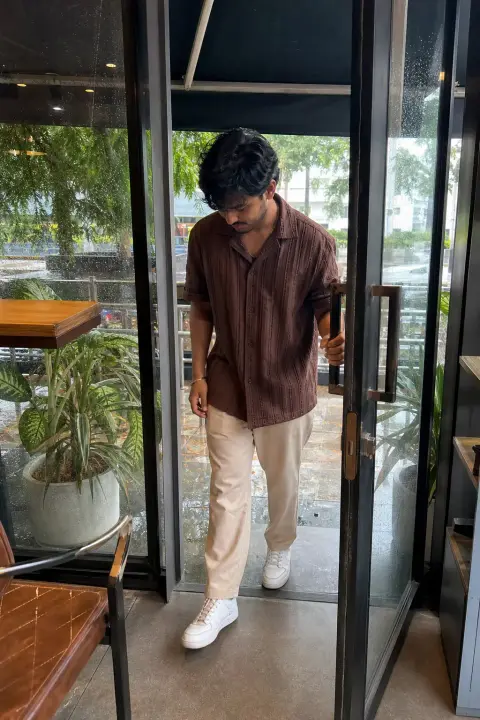
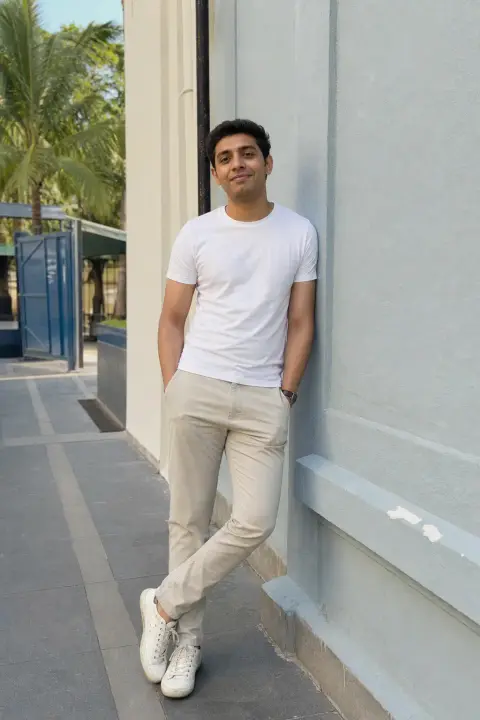
Same café, same light. Totally different result.
So you freeze, smile awkwardly, and hope for the best.
Old profile picture, random grid, no highlights.
The difference between a photo you delete and one you post is almost never your face. It's skills nobody taught you — pose, camera angle, light, editing. This course teaches them, one 5-minute lesson at a time.
12 modules, 57 bite-size lessons, about 4 hours in total. Each lesson teaches one skill with animated diagrams and real examples — then you practise it with one photo.

How the course works and the 3-second rule of profiles.
The settings, lenses and tricks that make an iPhone shoot like a pro camera.

Golden hour, window light, shade and night flash.

Where to put the phone and where to put yourself in the frame.

Natural, confident poses — even if you've never posed before.

Random shots that make your feed feel alive.

Flat lays, drinks and café tables.

Exactly what to shoot at cafés, rooftops, beaches, museums and more.

Free apps and ready recipes for a consistent look.

Profile picture, bio, grid mix and the signals that make people want to follow you.

Story ideas, highlight categories and covers.

Score your profile out of 100, then fix it in 30 days.
Examples from the course. Pick one and drag the slider to see the difference.
Not a course you scroll through and forget. Every lesson is short, visual and ends with one photo to take — so the skill sticks.
Short lessons with animated references — camera height, poses, light — so you copy the shot instead of guessing.
Today, on your iPhone, with a friend or on your own. No new gear, no editing apps to buy.

Upload your practice shot for AI feedback — what works and what to fix — then retake it.
Tools to help you practise what the lessons teach — all included when you buy the course.
Upload your practice shots and get a score, what works and up to 3 exact fixes. 5 reviews every day.
Café, street, beach, travel, saree & kurta, night out, mirror, friends and couples — search, copy, shoot.
Score your profile out of 100 on day 1, fix your top 3 issues, then re-audit and watch it climb.
Copy-paste iPhone edit settings, shot lists and a day-by-day plan so you actually practise.
One photoshoot gives you a few photos. This teaches you to take great ones yourself — every day, everywhere.
+ 4 bonuses worth ₹1,296: AI photo feedback · 110-pose library · profile audit · editing recipes & 30-day plan
Start the course — ₹299🔒 Secure checkout by Razorpay · Access in under a minute
If it's not for you, email us within 7 days of buying — as long as you've completed no more than 2 paid lessons and used no more than 2 AI reviews, you get a full refund. Refund policy
12 modules and 57 short lessons (about 4 hours in total): iPhone camera settings, light, angles & composition, posing for men and women, photo dumps, food & café shots, places & travel, editing, your profile picture and grid, and stories & highlights. Every lesson ends with one photo to practise.
Short written lessons with animated diagrams and real photo examples — you see exactly where to hold the phone, how to stand and where the light should be. Read one in 5 minutes, then try it straight away.
You're covered by our 7-day refund policy: if you change your mind within 7 days and you've completed no more than 2 paid lessons and used no more than 2 AI reviews, email us and we'll refund you in full.
No. Everything works on any iPhone from the last few years. Where a feature is only on newer or Pro models, the lesson says so and gives you an alternative.
“Photogenic” is mostly light, angle and posture — all learnable. The lessons are about technique, not looks, and the AI reviews only judge the photo, never your face or body.
Many lessons are built for shooting alone — timer, tripod-free setups, mirror shots and propping your phone. Others show you how to direct a friend in 10 seconds.
Upload a photo and the AI coach scores it on lighting, composition, pose, background and editing, then gives you specific fixes and a retake tip. You get 5 reviews a day.
Yes. ₹299 once, lifetime access, including future updates. No subscription, nothing to cancel.
Instantly. You're logged in right after payment and we email you a login link. Later, log in with your email and a 6-digit code — no password.
Yes. Only you see your photos. They're used only to create your review and are deleted automatically after 30 days.
Both. Posing has separate lessons for men and women, and the pose library has poses for everyone — solo, friends and couples.
Something else? Ask us — we reply within 24–48 hours.

Your first lesson takes 5 minutes. Start today.
Start the course — ₹299One-time · Lifetime access · 7-day refund policy